
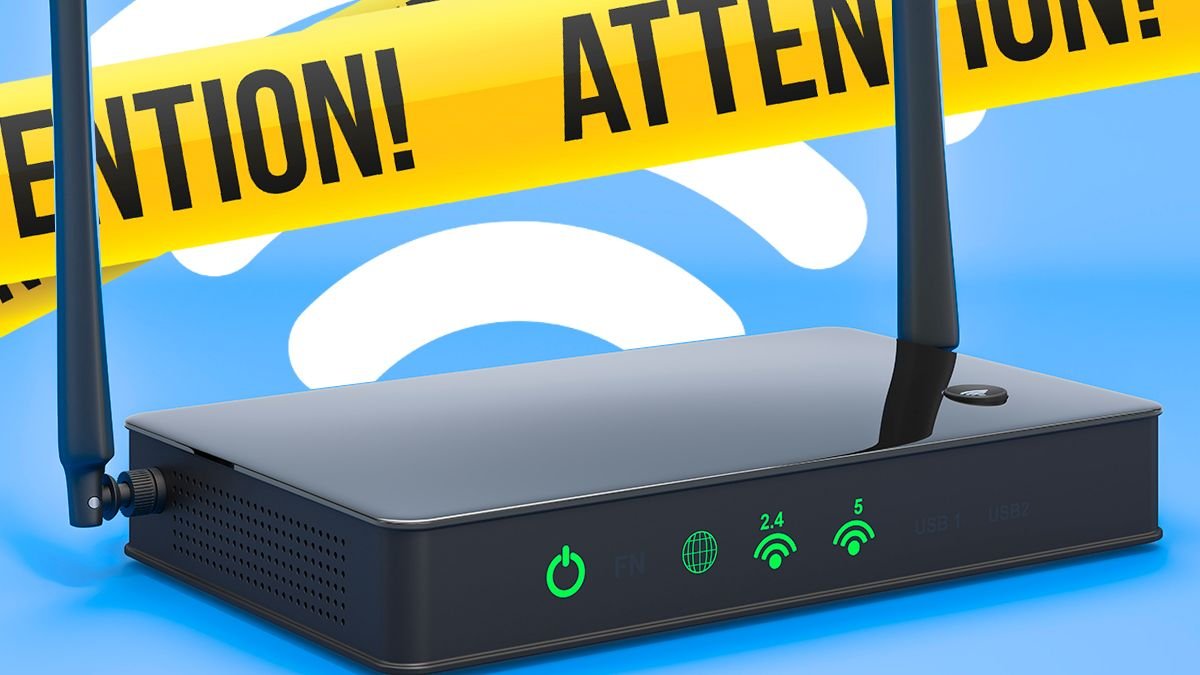

If you’re experiencing slow broadband speeds, there are simple solutions that can help boost your internet connection without the need for a technician. These quick fixes are easy to implement and only take a few minutes each.
While common advice like placing your router in an optimal location away from interference sources is helpful, one of the most effective remedies is a simple reboot. Turning off your router, leaving it unplugged for at least 30 seconds, and then powering it back on can clear temporary issues and enhance performance. Both Virgin Media and Broadband Genie recommend regular router restarts for improved connectivity.
Broadband Genie emphasizes the importance of restarting your router correctly to address various issues. After rebooting, it may take a few minutes for your broadband to reconnect, so timing the restart is crucial to avoid interruptions during important tasks or calls.
Beyond restarting, optimizing your router’s position is key. Placing it in an elevated, open location rather than on the floor can help extend the Wi-Fi signal coverage throughout your home. Additionally, ensuring your router’s firmware is up-to-date is essential for performance enhancements and security updates.
To further improve speeds, consider reducing unnecessary network traffic by closing bandwidth-intensive apps and disconnecting idle devices. Focusing network resources on essential tasks can enhance overall performance.
Monitoring connected devices through your router’s settings, removing unfamiliar devices, and updating your Wi-Fi password can safeguard against unauthorized access. Additionally, assessing and possibly switching between the 2.4GHz and 5GHz Wi-Fi bands based on your location within your home can optimize your connection speed.
By following these straightforward tips before contemplating an upgrade, you may experience a significant increase in broadband speed without any additional costs.